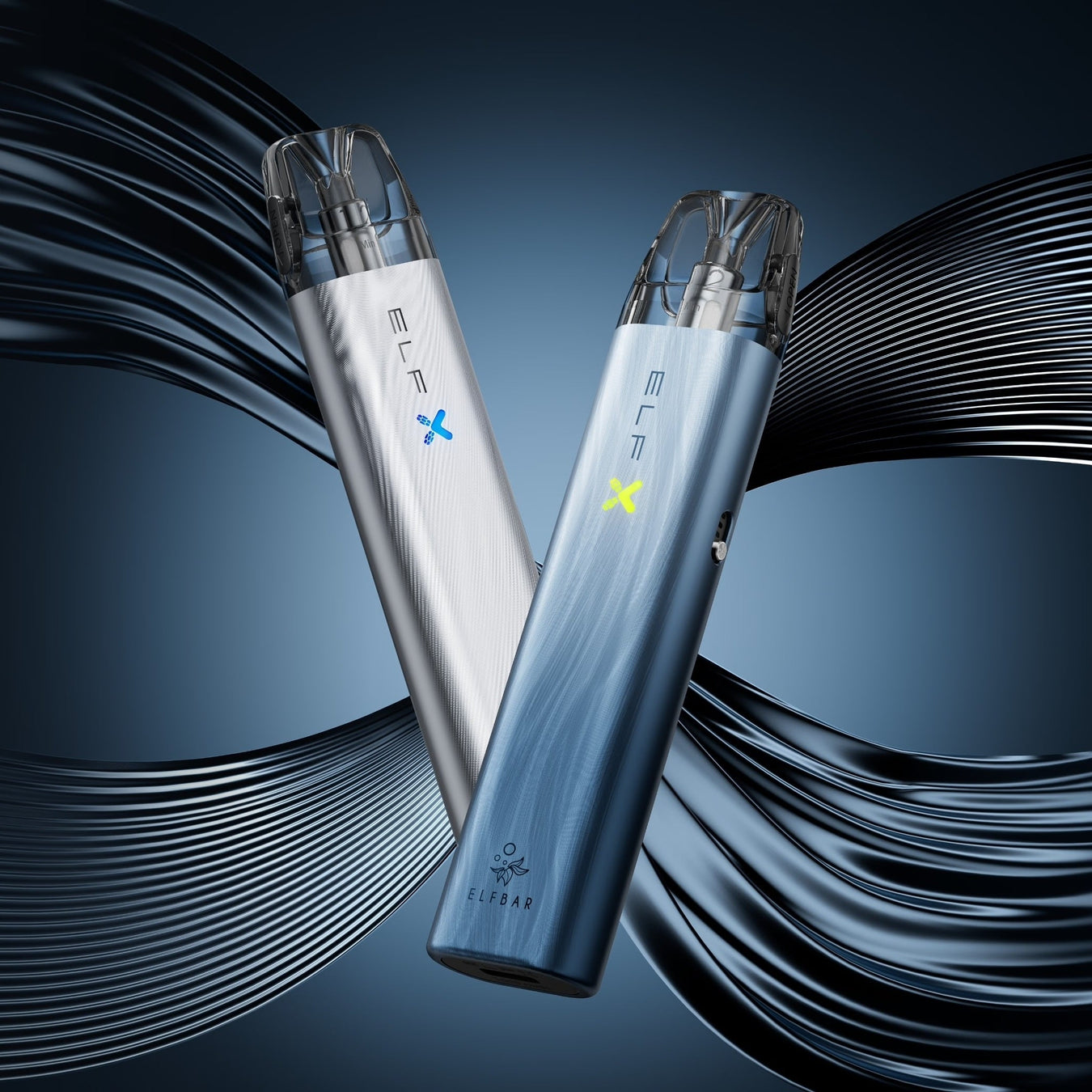
Firmware update for your vape mod: is it worth it?
The world of vaping has undergone a quiet but significant transformation in recent years. Previously, a vape essentially consisted of a battery and a heating coil – purely mechanical, simple, and unchangeable. Today, with devices like the
But with digitalization comes a question that we usually only know from our smartphones: Should I update the firmware of my vape mod?
Furthermore, find out more about Disposable vape materials and safety.
As a technical writer who has tested and analyzed hundreds of devices, I know that a firmware update can often be the key to unlocking your hardware's full potential—or, if done incorrectly, the fastest route to a "soft brick" (a software-crippled device). In this article, we'll delve deep into the technical details. We'll clarify when an update is truly worthwhile, how to minimize risks, and why a simple cable swap can make the difference between success and failure.
Why update at all? The technical advantages
Many vapers follow the principle of "never change a running system." This is understandable, but with modern vaping hardware, you often miss out on potential. Firmware updates are not just a gimmick; they deeply affect the device's performance. Chipset control algorithms a.
1. Optimization of the performance curves
The firmware controls how quickly and intensely the current is delivered to the coil. An update can shorten the so-called "ramp-up" time (the time until the coil glows).
- Practical example: In our tests, we observed that optimized firmware versions can reduce the response time of mesh coils by milliseconds. This may sound insignificant, but it results in a noticeably more direct feel.
Flavour ("Instant Activation"). - Background: Especially with complex coils, such as those found in
ELFA TURBO Refillable Pod 0.8 Ω (Replacement Pod ) When using these devices, precise control is crucial to avoid "hotspots" and maximize lifespan. You can find more information in our article about... How does a mesh coil work in your pod system?.
2. Improved battery efficiency
Energy management is an often underestimated aspect. More efficient algorithms can reduce standby power consumption and smooth the discharge curve during operation.
- Real-world data: Industry-standard updates can be effective battery life approximately 5–10% Extend your subscription without changing the hardware. This means for you: More
puffs per load.
3. Troubleshooting and Security Features
Manufacturers respond to feedback. If a batch of devices doesn't correctly read the resistance (ohms) of new coils, this is often fixed with a software patch. Safety limits – such as the temperature at which the device shuts down – are also adjusted according to new findings or standards like the [relevant standard/regulation]. ISO 20768 Adapted for steam products.

Risk analysis: What can go wrong?
Before you connect the USB cable, we need to talk about the risks. A firmware update is an intervention in the "brain" of your device.
The "soft brick" risk
A "brick" is a device that no longer responds.This almost always happens due to an interruption of data transmission during the writing process.
- Most common mistake: The cable is unplugged too early or is loose.
- The solution: Use only the original data cable. Many inexpensive USB cables are charging cables only and do not have data lines (D+ and D-). Without these lines, the PC cannot recognize the device, or the connection may drop during an update.
Myth vs. Reality
| myth | reality |
|---|---|
| "Every update makes the steam better." | Not always. Sometimes updates only change menu languages or logos. Always read the release notes (change log). |
| "I can flash any firmware." | Dangerous! Only use firmware from the official manufacturer's website. Third-party software (custom firmware) can disable safety features such as overheating protection. |
| "This also works with an empty battery." | Updating with less than 50% battery is like playing Russian roulette. If the power runs out during the flashing process, the chip is often irreparably damaged. |
Step-by-step: The secure update process
If you decide to update, follow this proven protocol. These steps are based on best practices.
Phase 1: Preparation
- Hardware check: Make sure your battery carrier (mod) is at least 50% charged is.
- Cleaning: Check the USB-C port for dust or LiquidResidue. An unstable physical connection is a major cause of data errors. See our guide for maintenance tips. Cleaning your pod system for best performance.
- Record baseline data: Take a photo of your current settings (wattage, puff counter) and note the resistance of your current coil. This will serve as a reference later.
Phase 2: Implementation
- Download: Only download the software from the official manufacturer's website. Pay close attention to the model number – a "Pro" update on a "Non-Pro" device will not work.
- Connection: Remove the pod or tank from the device (safety measure to prevent accidental firing). Connect the mod to the PC using the original cable.
- Flash process: Start the software. Click on "Update" and Do not touch the device, until the confirmation message appears.
- Keep Calm: The mod's screen often goes black. This is normal. Do not unplug it under any circumstances!
Phase 3: Follow-up and verification
The work is not finished after the restart.
- Resistance check: Screw your pod back on. Compare the displayed ohm reading with your note from Phase 1. A deviation of more than 0.1 Ω This is suspicious and suggests that the new firmware calibrates the sensor differently.
- Adjust performance: New firmware can make power output more aggressive. Start with 1–2 watts less than usual and gradually increase the power consumption.
Pro tip: Should you experience a significantly altered train behavior or even a burnt appearance after the update?
Flavour If you find that the problem persists, reset the wattage or (if possible) downgrade to the previous version.
Legal and health aspects (EEAT)
Many users ask themselves: "Is it legal to modify my device?" As long as you use official firmware, you're on the safe side. EU Tobacco Products Directive (TPD) It sets clear limits for e-cigarettes, for example regarding tank capacity or nicotine strength. Manufacturer firmware updates are designed to maintain this compliance.
However, caution is advised when using "hacks" or unofficial software that bypass safety limits (e.g., maximum puff duration or wattage). Federal Institute for Risk Assessment (BfR) It regularly points out that the safety of e-cigarettes depends significantly on compliance with technical standards. A tampered device that overloads batteries poses a serious safety risk.
Furthermore, improper handling may void the warranty. A look at the user manual or a comparison with reliable sources such as the [source missing] is recommended. E-smoking forum This often helps to define the boundaries of what is permissible and sensible.
Summary: Is it worth it?
A firmware update isn't a cure-all, but it's a powerful tool for advanced users. It can extend the lifespan of your coils, optimize battery life, and improve overall security.
- Yes, it's worth it if: The manufacturer lists specific bug fixes or new features (such as improved TC modes).
- No, it's better to wait if: Your device is working perfectly and the update offers no documented benefits for your usage style ("Never change a running system").
Always remember: technology should enhance enjoyment, not complicate it. With the right preparation and high-quality hardware like the
Frequently Asked Questions (FAQ)
Can I undo my firmware update? Most manufacturers allow a "downgrade" if the older firmware file is still available. Check this before starting the update.
How can I tell if my USB cable is suitable for updates? Try connecting the device to your PC. If the PC plays a sound or recognizes the device as a drive/hardware, the cable is suitable for data transfer. If the device only charges (charging symbol), the cable is unsuitable.
Why does my device get hotter after the update? This may be due to a change in the power curve. Reduce the wattage and check if the temperature returns to normal. If not, contact support.
Does the warranty still apply after an update? Yes, as long as you use official firmware and follow the instructions. Damage caused by third-party software is usually excluded from the warranty.